Yes, there are several ways to export information about your collection.
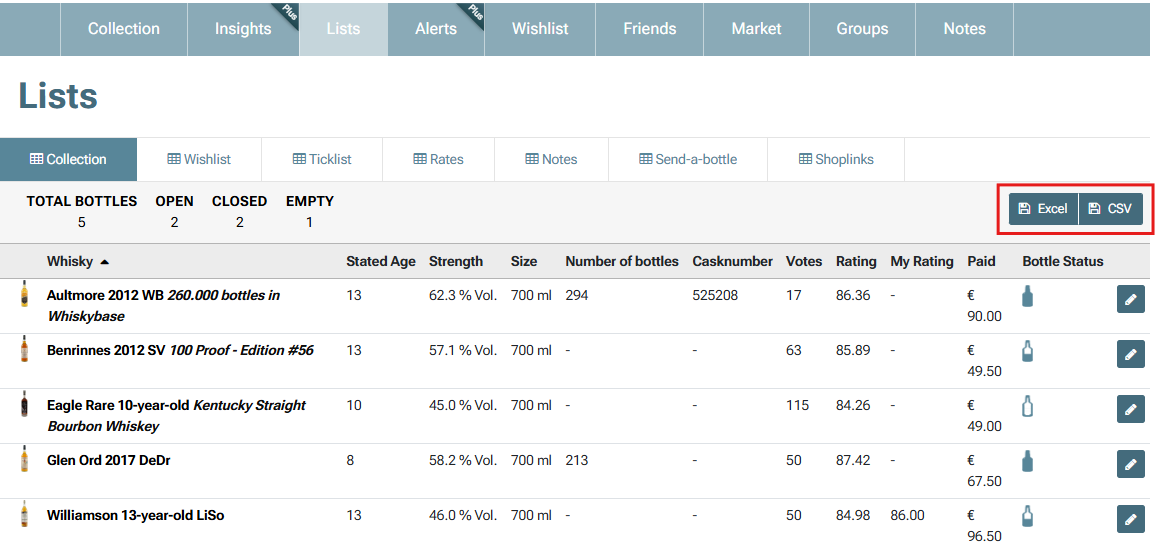
You can export a complete list of your bottles by going to your List page and selecting the Excel or CSV export option. This feature is available to all members.
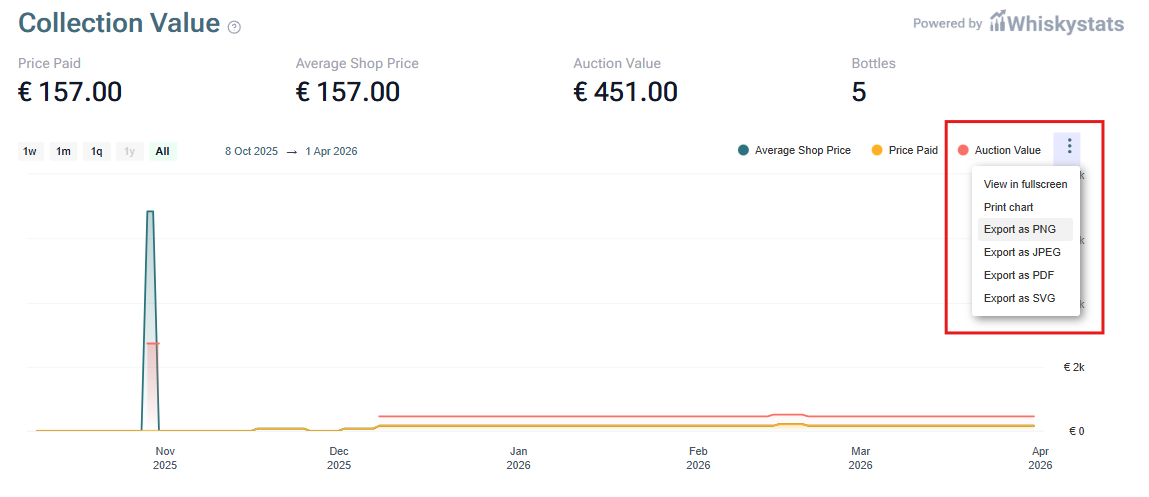
Whiskybase Plus members can also download Collection Insights as charts. This can be done from the Insights page by using the menu (three dots) in the top right corner on any of the charts.
Exporting your data allows you to keep a personal backup or analyze your collection outside of Whiskybase.
Was this article helpful?
That’s Great!
Thank you for your feedback
Sorry! We couldn't be helpful
Thank you for your feedback
Feedback sent
We appreciate your effort and will try to fix the article